Installation
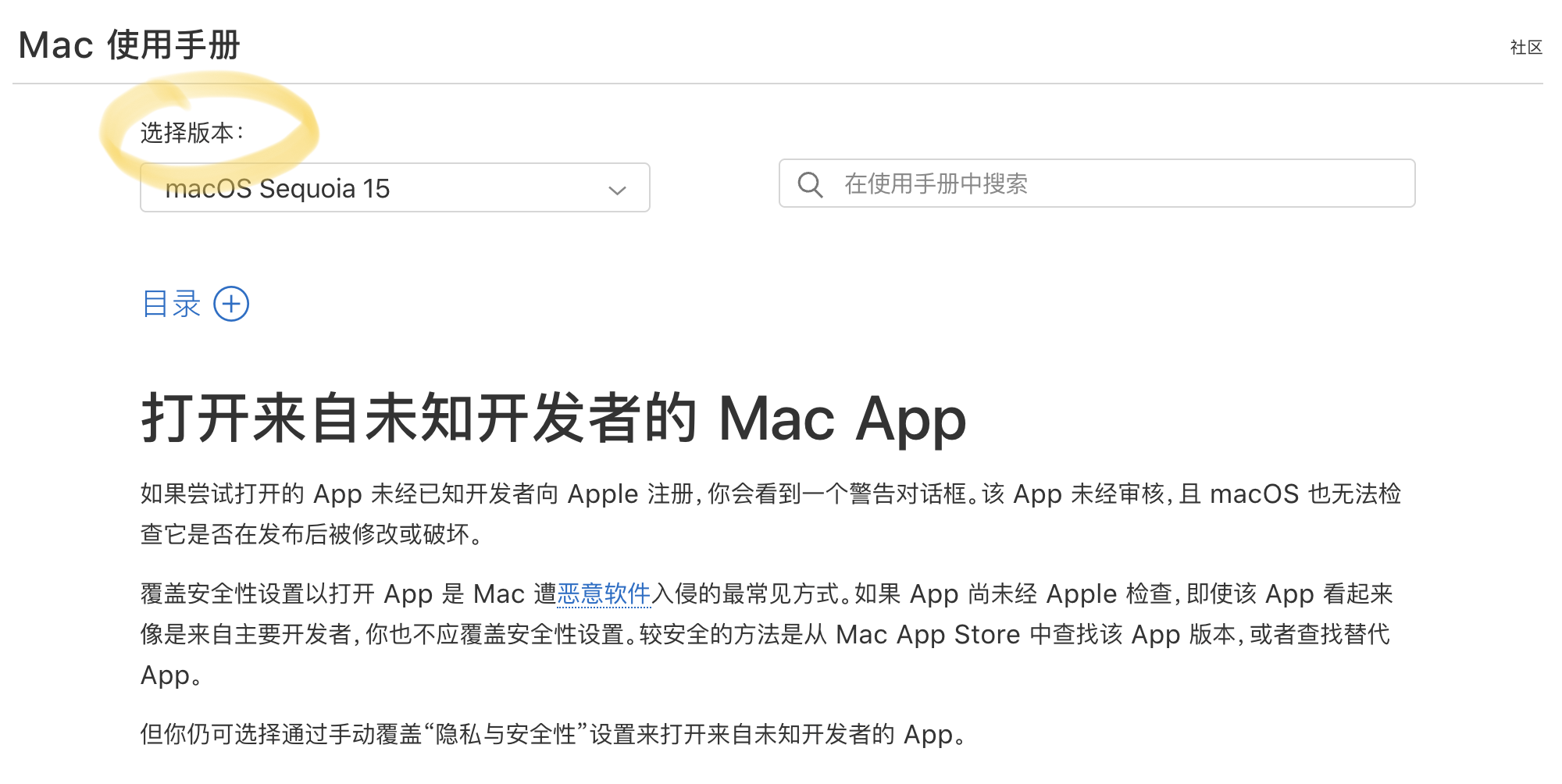
Double-click the installation package and follow the prompts to install. Just follow the default settings. Windows users should pay attention to distinguishing between the software installation package and the software itself (the one with 'setup' is the installation package). Do not click the installation package every time to run the software. Since the developer does not have an Apple developer account registered, macOS users may receive a prompt that the software is damaged when opening it. You need to go to "System Preferences" -> "Security & Privacy" -> "General" to allow it to open. For specific operations, you can refer to this article. Note that you should select the system version corresponding to your computer in Select Version.