
Activation
At present, most features can be used directly without activation, except for model sharing.
TIP
The developer has invested a great deal of effort. If this software helps with your paper, please include it in the author list; any position is fine. Medical-engineering technical support and discussion can also be provided. In addition, many models rely on public datasets for training. The relevant references are listed under the model's Citations, so please remember to cite them if you use these models.
Activate within the software
- Enter basic information
- Click the activate button
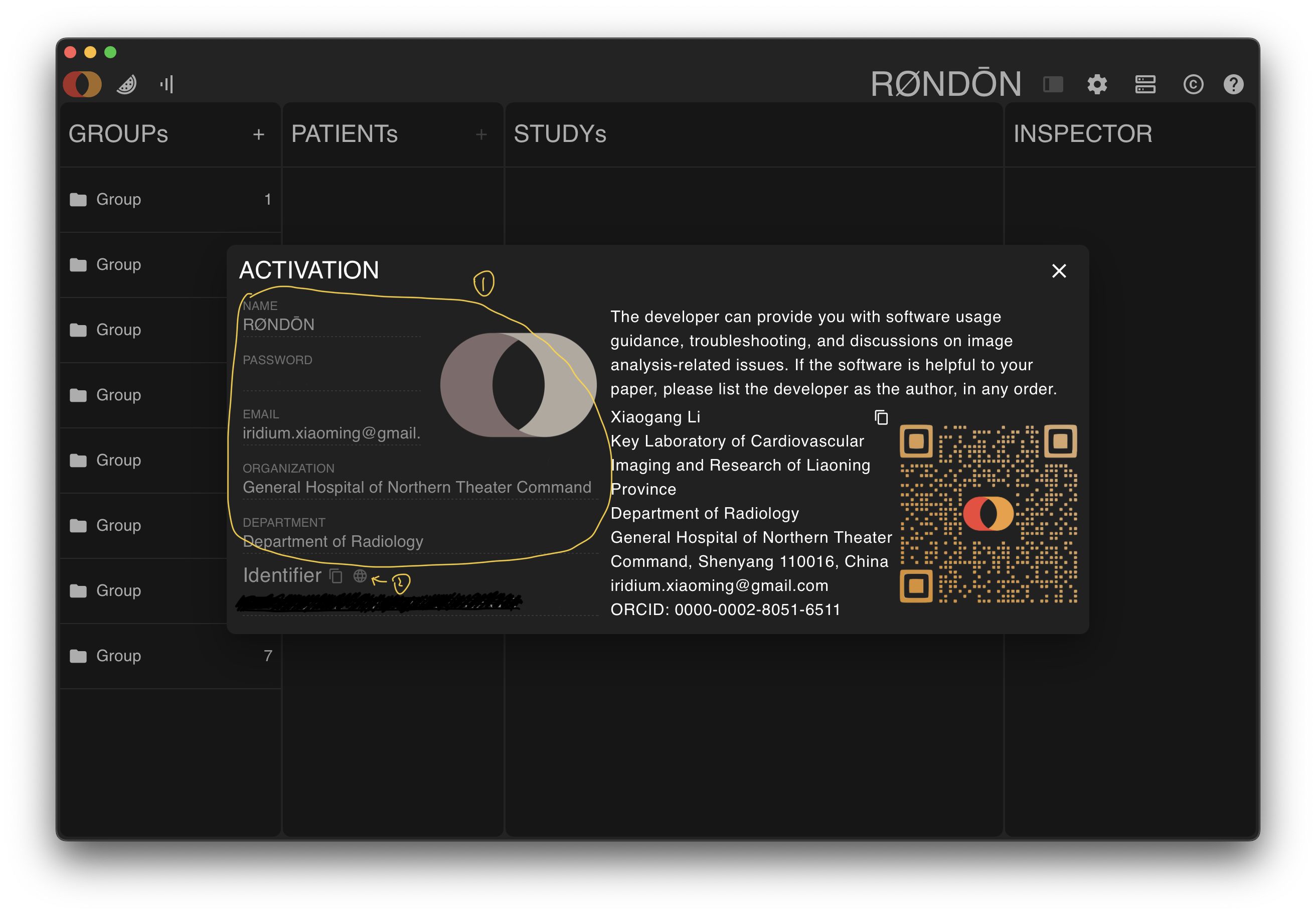
Activate on this website
If the computer you want to activate cannot connect to the internet, you can copy its identification code, then use another device with internet access to enter that code and your personal information on this site's activation page. This will generate a certificate named timeslice.license. You do not need to enter the information again in the software; just drag this file onto the activation screen:
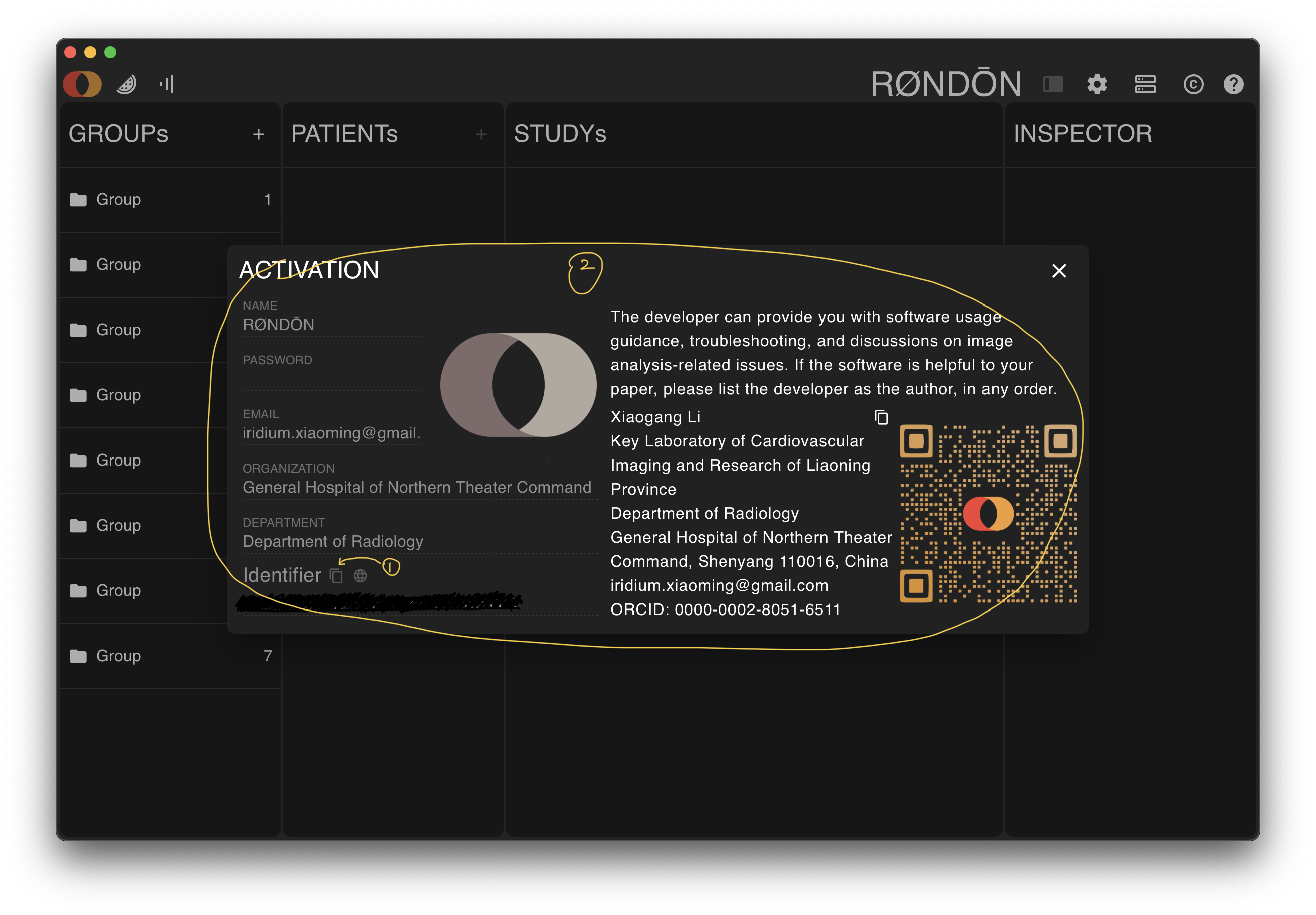
INFO
Please fill in your information accurately. It will be used when you share models and can help increase the impact of your research.
INFO
The information provided during activation will automatically register you as a user of this site. When you download models later, you need to log in first on the login page with your name and password.